What Can Salesforce Marketing Cloud Do? Automation, Journeys, Personalization & AI
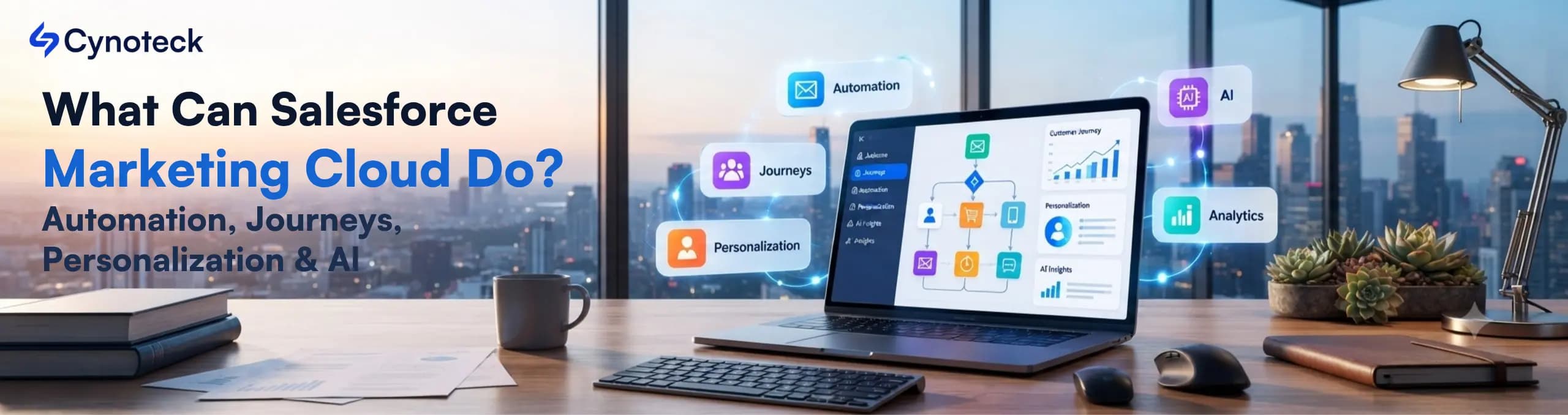
Salesforce Marketing Cloud automates repetitive marketing work. It also builds multi-step customer journeys, personalizes content in real time, and now runs AI agents through Agentforce. Together, these four turn generic campaigns into real, behavior-based experiences.
Salesforce Marketing Cloud does far more than send email campaigns on a schedule. It automates the busywork behind marketing. It builds journeys that react to real behavior. It shapes content for each person. And it runs AI that gets sharper the more data it sees.
This guide breaks down exactly what the platform can do, with real use cases for each capability.
Salesforce Marketing Cloud handles four core jobs. Specifically, think about automation, customer journeys, content fit, and AI-driven calls. Each one solves a different marketing problem. So, most real campaigns use all four together.
First, automation removes manual, repetitive tasks. Journeys react to what a customer does, not a fixed calendar. Meanwhile, it adapts content to the individual, not the whole group. Meanwhile, AI powers the decisions behind all three, through Einstein and Agentforce.
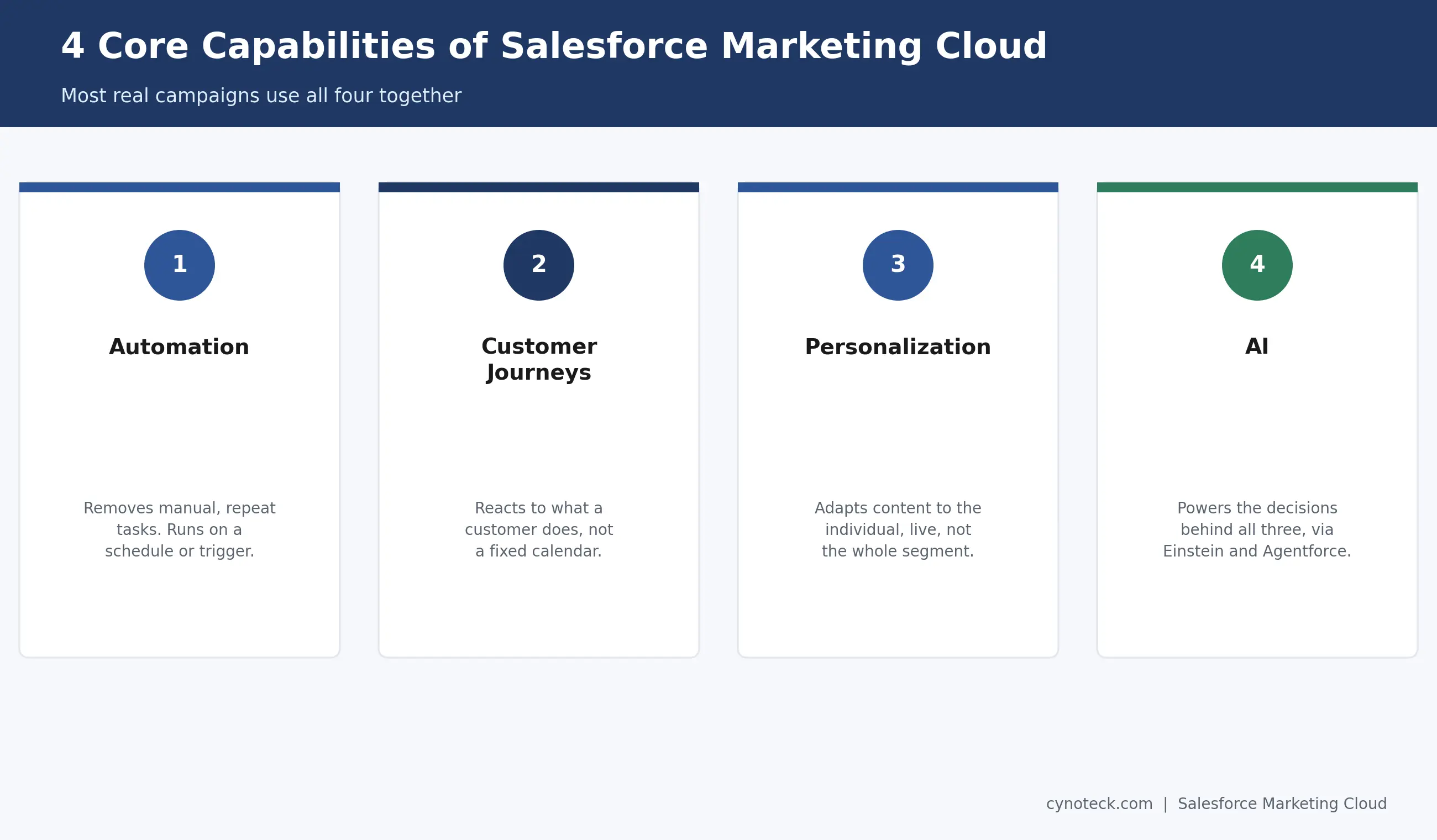
The rest of this guide covers each capability on its own. Then, it shows how they work together in real industry use cases.
Automation Studio handles the behind-the-scenes, timed work behind a campaign. Think data imports, list segmentation, and batch sends. It runs on a schedule or a trigger, quietly, without a marketer having to touch it each time.
For example, common tasks include pulling fresh customer data each night. They also refresh a segment before a campaign goes out and run SQL queries that prepare data for later personalization. None of this is customer-facing. Instead, it's the behind-the-scenes layer that makes everything else work.
This differs from Journey Builder, which handles the real-time, customer-facing side instead. So, Automation Studio gets the data ready. Journey Builder then decides what a specific customer sees, and when.
Journey Builder orchestrates multi-step, trigger-based paths across email, SMS, and other channels. It reacts to what a customer does, not a fixed send date. A welcome series, an abandoned-cart sequence, and a re-engagement campaign are all journeys.
A journey starts with a trigger. Think a signup, a buy, or a closed case. From there, decision splits route each customer down a different path, based on their behavior. Someone who opens an email gets one note. Someone who skips it gets a different one.
This is a real shift from older, fixed campaign automation. Instead of one fixed sequence for everyone, a journey adapts in real time. It responds to individual signals, like opens, clicks, and purchases.
Marketing Cloud Personalization adapts content live. It responds to what a specific person is doing right now, not a static segment from weeks ago. So, a website banner, a product sort order, or an email offer can all change per visitor.
Here's a concrete example. A skincare shop can suggest a box based on what a shopper bought before. Meanwhile, another shopper sees a completely different offer based on their own behavior. Content blocks inside one email can show different items to different people too. No separate campaigns needed.
This works because Personalization uses live behavior and one combined customer record, not a one-time snapshot. So, the newer the signal- a page view, a cart add, a search- the sharper the result gets.
Connect your Marketing Cloud data, journeys, and AI capabilities to build campaigns that respond to real customer behavior.
Plan Your Marketing Cloud SetupEinstein AI predicts who's likely to engage, what content will resonate, and when to send for the best response. So, a generic blast becomes something closer to a 1:1 conversation. This runs quietly behind send times, content picks, and engagement scores.
Send timing is a good example of this in action. Instead of every customer getting an email at 9 a.m., Einstein picks each person's best time. It bases that on their own past activity. The same logic applies to content too. Einstein can pick the product or message most likely to land with one customer, not just their group.
In short, Agentforce brings autonomous AI agents into Marketing Cloud. These agents can act on their own, consult Data 360 for context, and execute workflows, all without a marketer configuring each step. This is Salesforce's broader agentic AI platform, applied specifically to marketing.
Agentforce bases its calls on Data 360, real customer traits, and live event data. So, it avoids guessing. That grounding enables sharp segments, smart send times, and content that fits a customer's real state now, not stale data from last quarter.
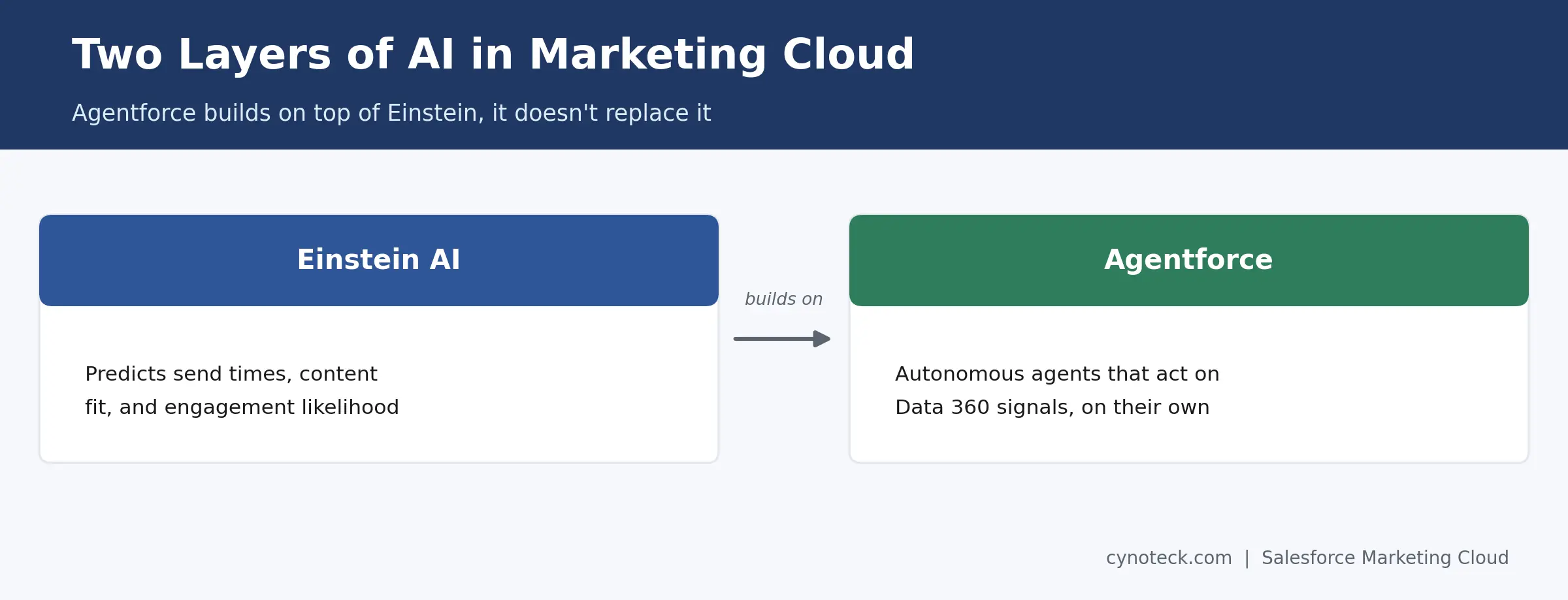
In practice, this shows up as AI-run journeys. An agent adjusts a customer's path based on real-time signals. So, a marketer doesn't have to rebuild journey logic every time behavior shifts manually.
These four capabilities show up differently across industries. Think retail, financial services, logistics, and subscription businesses. Still, the mechanics underneath stay the same.
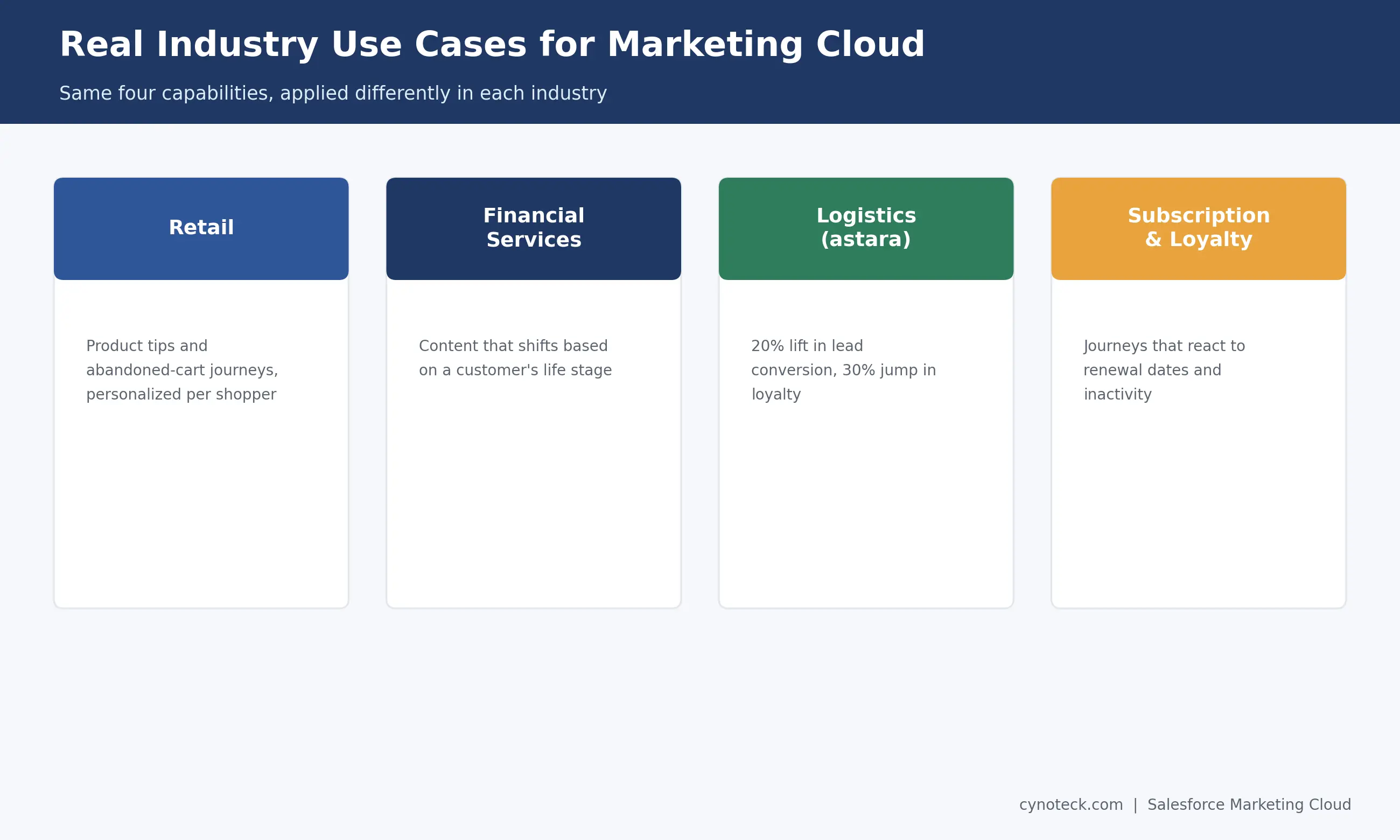
Retail: Product tips and abandoned-cart journeys, personalized per shopper based on what they browse and buy.
Financial services: Content that shifts based on a customer's life stage, instead of one generic newsletter for every account holder.
Global mobility and logistics: One documented case comes from Astara. The company put all its data on Salesforce's Einstein 1 Platform. It then used AI-driven journeys to reach customers at scale. The result: a 20% lift in lead conversion and a 30% jump in loyalty, per Salesforce's own case study.
Subscription and loyalty programs: Journeys that react to renewal dates, usage patterns, or inactivity, instead of one reminder email sent to everyone at once.
Overall, Automation Studio handles backend work and batch tasks. Journey Builder, instead, runs the live, personal path a customer sees. Both matter. Still, they solve different problems.
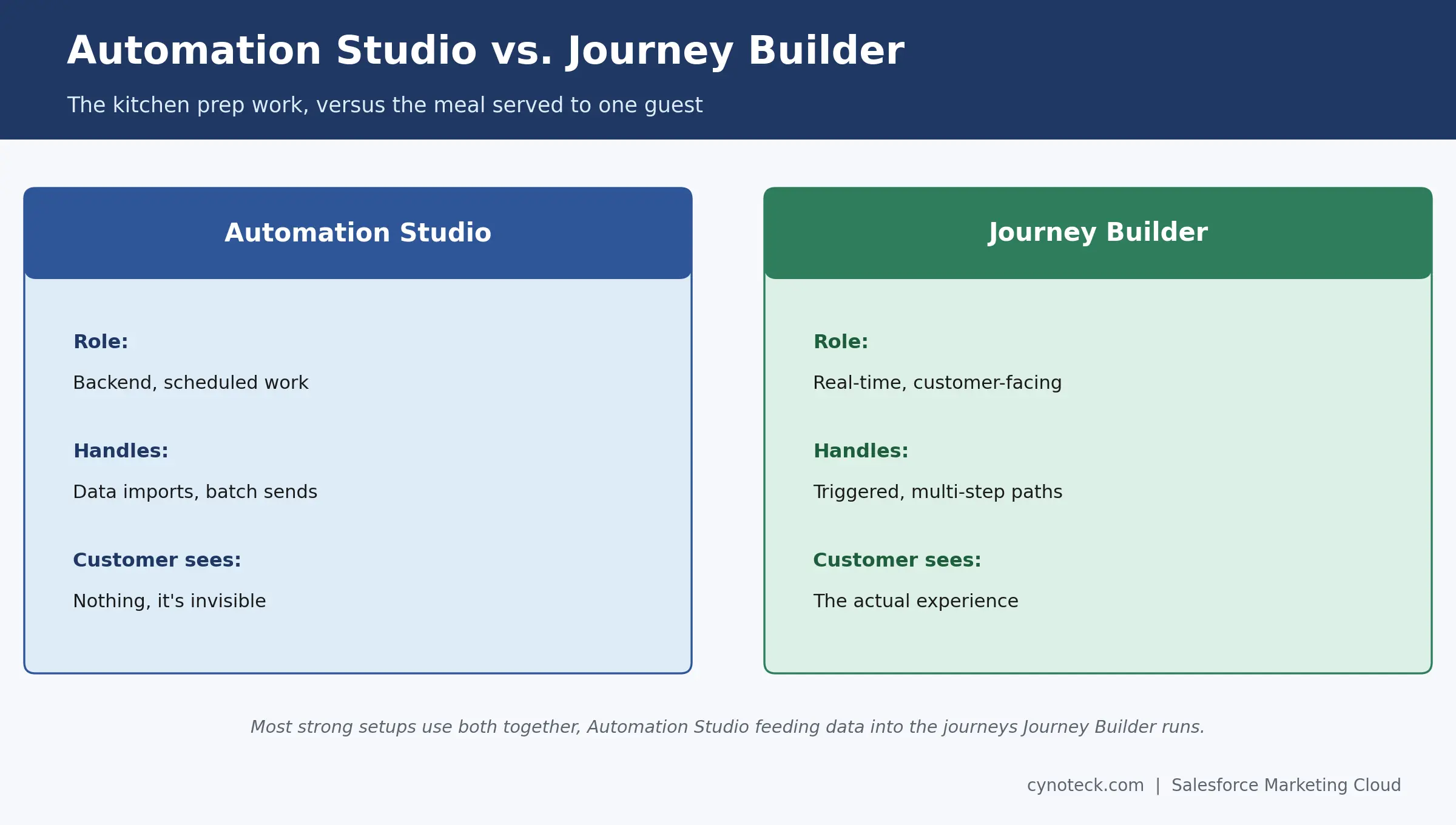
Think of it this way. Automation Studio is the kitchen prep work. Think chopping, portioning, getting things ready. Journey Builder, meanwhile, is the meal served to one guest, based on what they asked for. Most strong setups use both together. Automation Studio feeds clean, ready data into the journeys Journey Builder runs.
Identify which Marketing Cloud capabilities fit your campaigns, data, customer journeys, and current marketing processes.
Discuss Your Marketing Cloud NeedsAutomation, journeys, personalization, and AI each solve a different problem on their own. Together, though, they turn Salesforce Marketing Cloud from an email tool into a full customer engagement platform.
So, if you're planning to put these capabilities to work for your team, talk to Cynoteck's Salesforce Marketing Cloud Consulting Services team. We'll help you figure out which capability to build first.
Yes. Marketing Cloud Personalization adapts content in real time based on a visitor's current behavior, not a static profile from weeks earlier. That includes site content, product picks, and email offers.
No. In fact, Einstein AI already picks send times and content without it. Agentforce just adds a further layer of autonomous, agent-driven decisioning on top.
Automation handles backend, scheduled work, such as data prep and batch sends. A journey, instead, is the real-time, customer-facing path someone follows, triggered by their own behavior.
Yes. Marketing Cloud supports both. B2B use cases often center on lead nurturing and account-based content. B2C, meanwhile, leans more on product recommendations and behavioral triggers.
It helps, though it's not required to start. Einstein and Agentforce both get more accurate as they see more real engagement data. So, a brand-new account with little history will see less precise recommendations at first.
Most teams start with one well-defined journey first. Then, they layer in personalization and AI once that journey is performing well. Starting with everything at once usually slows the rollout down.
 Outsource Salesforce Development or Build In-House Which is the Best for Your Business.webp)
Outsourcing Salesforce development vs. building an in-house Salesforce team: 2026 cost insights, salary comparisons, key benefits, challenges, and the best hiring model for your business growth.
We are more than just developers and consultants—we are your partners in navigating the digital landscape. Let us be the engine behind your next big success while you focus on your core vision.
Explore Opportunities!