Can You Get Money Back for the Microsoft 365 Outage?
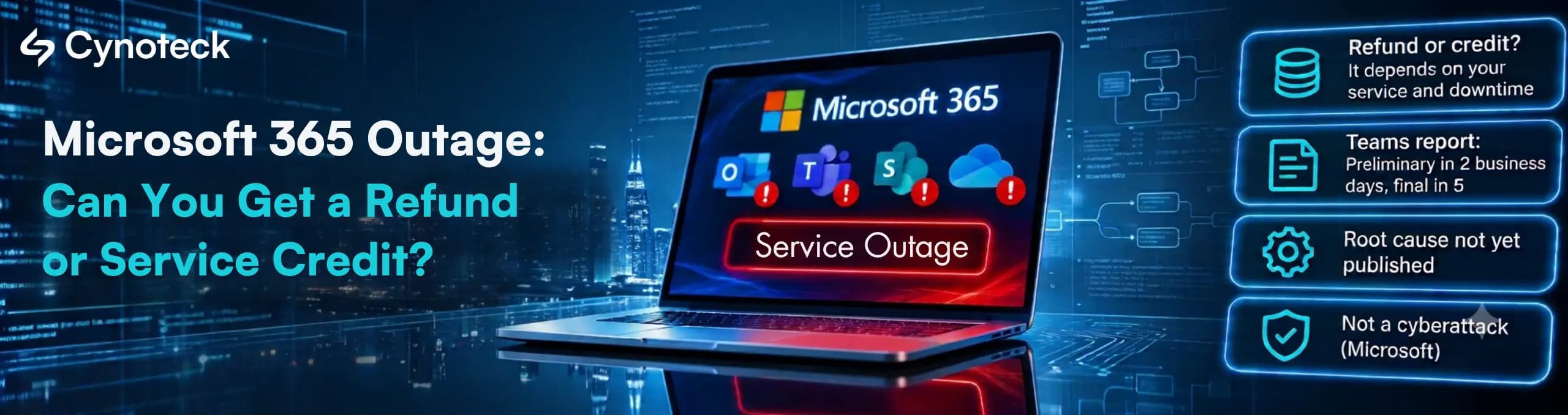
TL;DR
The November 12 outage ran into Friday, and Microsoft's recovery did not hold at first. Microsoft said a number of servers became unexpectedly unavailable, overloading the rest, and that restored servers failed again under load. It has not published a root cause, and Executive Vice President Charles Lamanna said the outage was not a cyberattack. Overnight, Microsoft said it had begun reverting a recent network configuration change that correlates with the start of impact, which is not a confirmed cause. Downdetector peaked above 131,000 Outlook reports, with one tally at 138,058 and users affected in 74 countries.
- For the resolved Teams incident (TM1550488), Microsoft promised a preliminary report within two business days and a final report within five, according to one summary. No post-incident report was published for the main incidents in the coverage reviewed.
- Credits vary by service and duration, so not every customer will qualify.
Possibly, but you have to ask. Microsoft's service level agreement (SLA) provides service credits when Microsoft 365 availability falls below its guarantee, and credits are not applied automatically. An analysis from IBRS says credits of 25% to 100% of monthly fees apply below 99.9% monthly uptime, with claims due by the end of December 2026. Credits depend on which services you use and how long they were down. To claim, open a support request in the Microsoft 365 admin center and cite the incident IDs EX1550543 (Exchange Online) and MO1550821 (broader Microsoft 365).
For the full timeline and the list of affected services, read our first report on the Microsoft 365 outage.
How Do SLA Service Credits Work?
Credits are a bill reduction, not a refund of losses. In simple terms, Microsoft promises a certain monthly uptime for each service. If it misses that target, affected customers can request a percentage of that month's fees for the service. According to Microsoft's support document for licensing partners, quoted by Windows Latest, credits are determined by which services were affected and are prorated by the service and the duration. IBRS adds that credits of 25% to 100% of monthly fees apply when monthly uptime falls below 99.9%. Check the current Online Services SLA for the exact tiers, since terms vary by agreement.
Who May Qualify?
Customers who paid for an affected service during the outage. Based on Microsoft's service health notices, affected services included:
Exchange Online (Outlook mailboxes)
Microsoft Teams, mainly Exchange-dependent features such as calendars, scheduling, and invites, while calls and chat were largely working, according to UC Today
SharePoint Online, Microsoft 365 Copilot, Planner and To Do
Defender XDR and Defender for Office 365, Purview, Intune and Power BI
Windows Latest cautions that not all customers will be eligible. Eligibility depends on your plan, the services affected for your tenant, and whether the downtime crosses the SLA threshold for the month. Consumer plans are generally not covered by business SLAs, so check your agreement.
Ready To Integrate AI Into Your Business?
We helped organizations choose the right AI platform, integrate, and scale AI solutions that drive real business impact and track measurable results.
Book a Free ConsultationHow Do You Claim a Credit?
Follow these steps in the Microsoft 365 admin center, as described by Windows Latest:
Open the Microsoft 365 admin center's support area (turn off Support Assistant if it appears)
Search for "Request an SLA service credit for a Microsoft 365 outage"
Start the request and put "SLA service credit request" and the issue ID in the title
Include the incident ID: EX1550543 for Exchange Online or MO1550821 for the broader Microsoft 365 incident
Explain which services and users were affected, and for how long
If you buy through a reseller or Microsoft partner, ask whether they can submit the claim for you. Keep a copy of Microsoft's post-incident report and your own downtime records.
What Is the Deadline?
End of December 2026, according to IBRS. The IBRS analysis says claims are due by the end of December. Microsoft's SLA usually sets claim windows relative to the month of the incident, so confirm the date in your agreement and do not wait for the final report to file. This is general guidance, not legal advice.
Why Has Microsoft's Explanation Changed?
Because the investigation was moving. IBRS counts that Microsoft's public explanation shifted six times during the day, including reversing an early statement that no recent change correlated with the start of impact. Later updates said it was investigating recent configuration updates and reverting a network configuration change. Reports also describe a core process that sets up secure connections becoming overwhelmed, and automated health checks that kept removing servers. These are Microsoft's evolving statements, not a final root cause.
What Should IT Teams Do Now?
Document, claim, and plan.
File your claim while the incident is fresh, citing EX1550543 and MO1550821
Record the downtime with times, affected users, and business impact
Save Microsoft's updates and the post-incident reports when published
Review your continuity plan, including backup communication outside Microsoft 365
Add downtime cost and SLA credits to renewal discussions, as IBRS suggests
AI tools such as Copilot depend on the same cloud, a risk we noted when ChatGPT, Claude, and Grok went down together. Our AI services and solutions, and agentic AI development teams can help you plan AI and collaboration workflows with fallbacks.
Frequently Asked Questions
Will Microsoft automatically credit me for the outage?
No, you generally have to request it. Microsoft's SLA credits are not applied automatically. You submit a claim through the Microsoft 365 admin center, citing the incident IDs, and Microsoft reviews it. Credits depend on which services were affected and the duration of the outage, so not every customer will qualify.
How much is the Microsoft 365 SLA credit?
IBRS says 25% to 100% of monthly fees when monthly uptime falls below 99.9%. The exact percentage depends on the service and how far availability fell below the guarantee. Microsoft's support document says credits are prorated by the service affected and the duration. Check the Online Services SLA that applies to your agreement.
How do I request an SLA credit for the Microsoft 365 outage?
In the Microsoft 365 admin center, open the support area and search for "Request an SLA service credit for a Microsoft 365 outage." Put "SLA service credit request" and the issue ID in the title, include EX1550543 (Exchange Online) or MO1550821 (Microsoft 365), and describe the impact. Partners can file on your behalf.
What is the deadline to claim Microsoft 365 outage credits?
End of December 2026, according to IBRS. Confirm the exact window in your SLA, and do not wait for Microsoft's final report before filing. The deadline relates to the month of the outage, which was November.
What caused the Microsoft 365 outage?
Microsoft has not published a root cause. It says a number of servers became unexpectedly unavailable after failing automated health checks, overloading the rest, and that restored servers failed again under load. It later said it was reverting a recent network configuration change that correlates with the start, but has not confirmed it as the cause. Microsoft says it was not a cyberattack. See our original outage report for the hour-by-hour timeline.
Is the Microsoft 365 outage over?
Not fully, as of the latest reports reviewed. Recovery was uneven overnight into November 13, and Microsoft was testing a configuration change on a subset of servers before wider rollout. Check Service health in your admin center and the Microsoft 365 Status account on X for live updates, since this article may be out of date.
Do I get compensation for lost business from the outage?
SLA credits only reduce your fees. They do not compensate for lost productivity or revenue. If the outage caused significant losses, review your contract and consult a legal or procurement advisor about options. Documenting the impact helps with credit claims and renewal negotiations.
Does this apply to Copilot and other Microsoft services?
Copilot was among the affected services, but credits depend on the SLA terms for each product and your agreement. Check whether Copilot, Intune, Defender, and Power BI are covered by your plan's SLA, and include them in your claim if they were affected and downtime crossed the threshold.
Explore comprehensive blogs, best practices, and insights from our technology experts.
 Cynoteck Recognized as a Clutch Global Leader for Spring 2024.png)

.png)
Cynoteck Technology Solutions Wins ET Leadership Excellence Award 2025 for Excellence in IT Consulting and Solutions
Cynoteck wins the ET Leadership Excellence Award 2025 for excellence in IT consulting, recognizing its business-focused, scalable, and high-impact technology solutions.

 Inside Microsoft's 24-Hour Outage Root Cause and 'Code Red' Explained.webp)
Turning expertise into action for your business.
We are more than just developers and consultants—we are your partners in navigating the digital landscape. Let us be the engine behind your next big success while you focus on your core vision.
Explore Opportunities!