Power Apps Development Services: Custom Low-Code / No-Code Solutions
In today's rapidly evolving digital landscape, businesses need agile, cost-effective solutions that can be deployed quickly without sacrificing quality or functionality. Microsoft Power Apps has emerged as the leading low-code platform, enabling organizations to build custom business applications up to 10x faster and at a fraction of the cost of traditional development. Whether you need a simple data collection form or a complex enterprise application with AI capabilities, our certified Power Apps developers transform your vision into powerful, scalable solutions.
Power Apps development is the process of creating custom business applications using Microsoft's low-code platform that connects to your data sources, automates workflows, and solves specific business challenges. Unlike traditional software development that requires months of coding, extensive IT resources, and significant investment, Power Apps leverages visual designers, pre-built templates, and drag-and-drop functionality to accelerate delivery while maintaining enterprise-grade security and scalability.
The Power Apps Advantage:
Rapid Development: Build applications in weeks instead of months
Cost-Effective: 70% lower development costs compared to traditional coding
Business User Empowerment: Enable citizen developers while maintaining IT governance
Native Integration: Seamless connectivity with Microsoft 365, Dynamics 365, and 1,000+ data sources
Cross-Platform: Single app works on web, iOS, and Android
AI-Powered: Built-in artificial intelligence through AI Builder
Scalable Architecture: From departmental tools to enterprise-wide solutions
A Forrester TEI study commissioned by Microsoft found that organizations using Power Apps Premium saw a 206% return on investment (ROI) over three years with a payback period of less than 6 months.
Talk to our Power Apps experts and turn your ideas into scalable low-code solutions.
Book a Free ConsultationCanvas apps are designed to deliver highly customized, pixel-perfect user experiences. They offer complete control over layout, design, and branding, making them ideal for businesses that need tailored workflows and intuitive interfaces.
These apps are commonly used for mobile field service, inspections and audits, employee onboarding, asset and inventory tracking, customer-facing portals, surveys, and approval workflows. Features such as responsive design, offline access, barcode and QR scanning, GPS tracking, camera and signature capture, and custom logic using Power Fx make them powerful and flexible.
Typical use cases include construction site inspections, mobile sales order processing, and equipment maintenance tracking.
Development timeline: 2–8 weeks, depending on complexity.
Model-driven apps follow a data-first approach and are built on Microsoft Dataverse, making them ideal for complex processes and structured data relationships. They automatically generate user interfaces based on the data model, ensuring consistency and scalability.
They are best suited for CRM systems, project and case management, resource planning, compliance tracking, contract lifecycle management, and grant administration. Key capabilities include business process flows, role-based security, server-side logic, advanced reporting, and seamless Dynamics 365 integration.
Common examples include healthcare patient management, legal case management, and grant administration platforms.
Development timeline: 6–16 weeks based on data and workflow complexity.
Power Pages enable the creation of secure, external-facing portals for customers, partners, and vendors. These portals allow users to interact directly with business data while maintaining security and role-based access.
They are ideal for customer self-service portals, partner platforms, event registrations, job applications, supplier onboarding, and feedback collection. Power Pages supports professional templates, authenticated and anonymous access, SEO readiness, multi-language support, and advanced form capabilities.
Typical use cases include distributor portals, student portals, and insurance claims submission systems.
Development timeline: 8–20 weeks depending on customization needs.
Custom connectors are used when standard Power Platform connectors are not sufficient. They enable integration with legacy systems, proprietary applications, IoT data sources, and specialized third-party software.
These connectors support secure authentication, custom actions and triggers, error handling, rate limiting, and real-time webhook integrations. They ensure seamless data exchange between Power Apps and external systems.
Development timeline: 2–6 weeks per connector, depending on API complexity.
Partner with Cynoteck to design, develop, and deploy secure low-code solutions—faster.
Book a Free ConsultationBefore writing a single line of code or configuring any app, we invest time understanding your business challenges, existing technology landscape, and long-term objectives.
Strategic Planning Includes:
Business Process Assessment: Deep-dive workshops to map current workflows and identify automation opportunities
Use Case Prioritization: ROI analysis to determine which applications deliver maximum value
Architecture Design: Technical blueprints defining data sources, integrations, security models, and governance frameworks
Platform Selection: Canvas vs. Model-driven vs. Portal recommendations based on requirements
Licensing Optimization: Right-sizing user licenses to minimize costs
Governance Framework: Establishing policies for app creation, data classification, and compliance
Center of Excellence (CoE) Setup: Building internal capabilities for sustainable Power Apps adoption
Timeline: 2-4 weeks Investment: $5,000 - $25,000 depending on scope
Our certified developers bring your vision to life with pixel-perfect designs, robust functionality, and enterprise-grade quality.
Development Process:
This phase focuses on understanding business needs and shaping the foundation of the solution. It includes conducting requirement-gathering workshops with stakeholders, developing user personas, and creating wireframes and mockups to visualize the app experience. The team also designs the data model and documents integration requirements to ensure scalability and seamless system connectivity from the start.
During this phase, the actual development takes place. The Power Apps environment is set up, data sources are connected and configured, and application screens and components are developed. Business logic is implemented using Power Fx, and custom connectors are built if required. Integrations with Power Automate workflows are configured, along with security roles and permission settings to ensure controlled access and compliance.
This phase ensures the solution is reliable, secure, and performant. It involves unit testing of all components, user acceptance testing (UAT), performance and load testing, and security vulnerability assessments. Cross-device compatibility is verified, and all integrations with connected systems are thoroughly tested to ensure smooth operation.
Once testing is complete, the solution is deployed to the production environment. Users receive training along with detailed documentation, and administrators are given a formal handoff. Go-live support is provided to ensure a smooth transition and immediate issue resolution.
After deployment, ongoing support focuses on performance monitoring and continuous improvement. User feedback is incorporated to enhance features, while regular bug fixes and updates ensure the application remains stable, secure, and aligned with evolving business needs.
Pricing Models:
Fixed-Price Projects: $10,000 - $150,000+ based on scope
Time & Materials: $100 - $250/hour depending on expertise level
Dedicated Team: Monthly retainers for ongoing development
Power Apps becomes exponentially more valuable when connected to your entire business ecosystem. Our integration specialists create seamless data flow across platforms.
Integration Expertise:
SharePoint (document libraries, lists, workflows)
Microsoft 365 (Outlook, Teams, OneDrive, Excel)
Dynamics 365 (Sales, Customer Service, Field Service, Finance)
Azure SQL Database and Azure Services
Power BI (embedded analytics and reporting)
Power Automate (workflow automation)
Salesforce (CRM data synchronization)
SAP (ERP integration for orders, inventory)
Oracle (database connectivity)
ServiceNow (IT service management)
Workday (HR and payroll data)
QuickBooks/Xero (accounting integration)
Shopify (product and order management)
WooCommerce (inventory synchronization)
Mailchimp (marketing automation)
HubSpot (marketing and sales data)
Google Analytics (usage tracking)
SQL Server (on-premise and cloud)
MySQL/PostgreSQL
Oracle Database
MongoDB
Azure Synapse Analytics
Snowflake
REST API integration
SOAP web services
Custom database connectors
Legacy system modernization
IoT device data streams
Pre-built standard connectors (1,000+ available)
Premium connectors for enterprise systems
Custom connector development
Direct database connections
Azure Logic Apps for complex orchestration
Power Automate flows for data synchronization
Timeline: 1-8 weeks per integration Investment: $3,000 - $50,000 depending on complexity
Legacy systems don't have to hold you back. We migrate outdated applications to modern Power Apps while preserving critical business logic and historical data.
Common Migration Scenarios:
Access databases are desktop-only, unsupported on mobile, and difficult to share
We transform Access forms, queries, and reports into cloud-based Power Apps
Migrate Access tables to Dataverse or SharePoint
Convert macros and VBA code to Power Fx formulas and Power Automate flows
Average ROI: 60% reduction in maintenance costs, 90% improvement in accessibility
Manual spreadsheets create version control nightmares and data integrity issues
Convert Excel-based processes into structured databases with workflow automation
Implement proper validation, audit trails, and role-based security
Enable real-time collaboration and mobile access
Typical Outcome: 75% reduction in data entry errors, 50% faster processing times
Microsoft discontinued InfoPath, leaving organizations stranded
Recreate InfoPath forms with enhanced functionality in Power Apps
Migrate form data to modern storage (Dataverse, SharePoint, SQL)
Add mobile capabilities and offline sync
Migration Timeline: 2-6 weeks per form depending on complexity
Outdated ASP.NET, PHP, or custom applications with high maintenance costs
Re-platform to Power Apps with reduced infrastructure overhead
Modernize user experience with responsive design
Eliminate server maintenance and security patching burden
Legacy System Analysis: Comprehensive audit of existing functionality, data structures, and integrations
Gap Analysis: Identifying features that require custom development
Data Migration Planning: Mapping legacy data to new schema with cleansing strategies
Phased Migration: Gradual rollout to minimize business disruption
Parallel Testing: Running both systems simultaneously for validation
User Training: Ensuring smooth transition for end users
Legacy Decommissioning: Secure archival of historical systems
Investment: $15,000 - $100,000 depending on application complexity
Artificial intelligence is no longer exclusive to data scientists. AI Builder brings machine learning capabilities directly into your Power Apps.
Automatically extract data from invoices, purchase orders, receipts
Process loan applications, insurance claims, employment forms
Eliminate manual data entry with 95%+ accuracy
Use Case: Accounts Payable automation processing 1,000+ invoices monthly
Identify products, equipment, defects in photos
Quality control inspection automation
Inventory counting and verification
Use Case: Manufacturing defect detection reducing inspection time by 70%
Customer churn prediction
Sales forecasting
Equipment failure prediction
Lead scoring and prioritization
Use Case: Predictive maintenance reducing downtime by 40%
Business card scanning
License plate recognition
Document digitization
Use Case: Field service technicians capturing equipment serial numbers
Customer feedback analysis
Survey response categorization
Social media monitoring
Use Case: Customer service prioritizing negative feedback for immediate response
Pulling key information from emails and documents
Contract clause identification
Resume parsing for recruitment
Use Case: HR extracting candidate qualifications from resumes
Multi-language customer support routing
Content translation triggering
Use Case: Global customer service directing inquiries to appropriate language specialists
Timeline: 2-6 weeks for AI model training and integration Investment: $8,000 - $40,000 depending on model complexity
Enterprise Power Apps deployments require robust governance frameworks to ensure security, compliance, and sustainable growth.
Multi-environment architecture (Development, Test, Production)
Environment isolation for departments/projects
Data Loss Prevention (DLP) policies
Connector usage restrictions
App lifecycle management workflows
Azure Active Directory integration
Multi-factor authentication (MFA)
Conditional access policies
Row-level security configuration
Field-level encryption for sensitive data
Audit logging and compliance reporting
GDPR, HIPAA, SOC 2 compliance frameworks
CoE Starter Kit deployment and customization
App inventory and usage monitoring
Maker onboarding and training programs
Reusable component libraries
Best practices documentation
Compliance dashboards
Version control with Azure DevOps or GitHub
Automated deployment pipelines
Environment variable management
Solution packaging and distribution
Rollback procedures
Timeline: 4-8 weeks for comprehensive governance framework Investment: $20,000 - $60,000
Technology adoption fails without proper training. We empower your team to become proficient Power Apps users and creators.
Application-specific training for daily users
Mobile app usage and offline capabilities
Troubleshooting common issues
Duration: 2-4 hours per application
Format: Live workshops, recorded videos, quick reference guides
Power Apps fundamentals and interface navigation
Canvas app creation from scratch
Power Fx formula writing
Data source connectivity
Power Automate integration basics
Duration: 2-3 day workshop
Outcome: Participants build and deploy their first app
Model-driven app development
Component Framework (PCF) development
Custom connector creation
Complex Power Fx formulas and collections
Performance optimization techniques
ALM best practices
Duration: 5-day intensive course
Outcome: Certification-ready advanced developers
Environment management
Security and compliance configuration
DLP policy creation
Monitoring and analytics
License management
Troubleshooting and support
Duration: 2-day workshop
On-site workshops at your location
Virtual instructor-led sessions
Self-paced video learning portal
One-on-one mentoring
Train-the-trainer programs
Investment: $2,000 - $15,000 depending on program scope
Power Apps success requires continuous optimization, not just one-time delivery.
Email support (24-hour response SLA)
Bug fixes and error resolution
Monthly platform update reviews
Quarterly health checks
Investment: $1,000 - $3,000/month
Priority email/phone support (4-hour response SLA)
Proactive monitoring and optimization
Bi-weekly feature enhancement hours
Monthly performance reports
Quarterly strategic planning sessions
Investment: $3,000 - $8,000/month
24/7 emergency support
Dedicated account manager
Unlimited enhancement requests
Monthly feature releases
Advanced analytics and usage reporting
Executive quarterly business reviews
Investment: $8,000 - $20,000/month
Application performance and load times
User adoption and engagement metrics
Error rates and failure patterns
Integration health and API performance
License utilization and optimization
Security compliance and vulnerability scanning
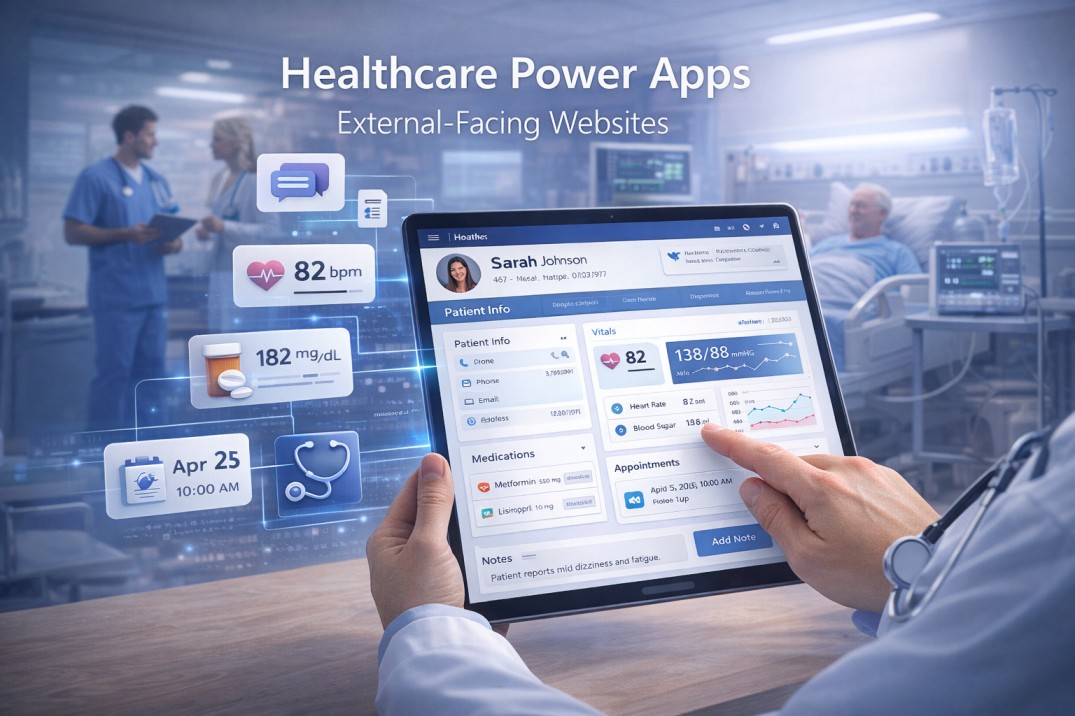
Patient Intake & Registration: HIPAA-compliant data collection
Telehealth Check-in: Pre-appointment screening and vitals capture
Medical Equipment Tracking: Asset management with maintenance scheduling
Staff Scheduling & Credentialing: Compliance and certification tracking
Clinical Trial Management: Participant enrollment and data collection
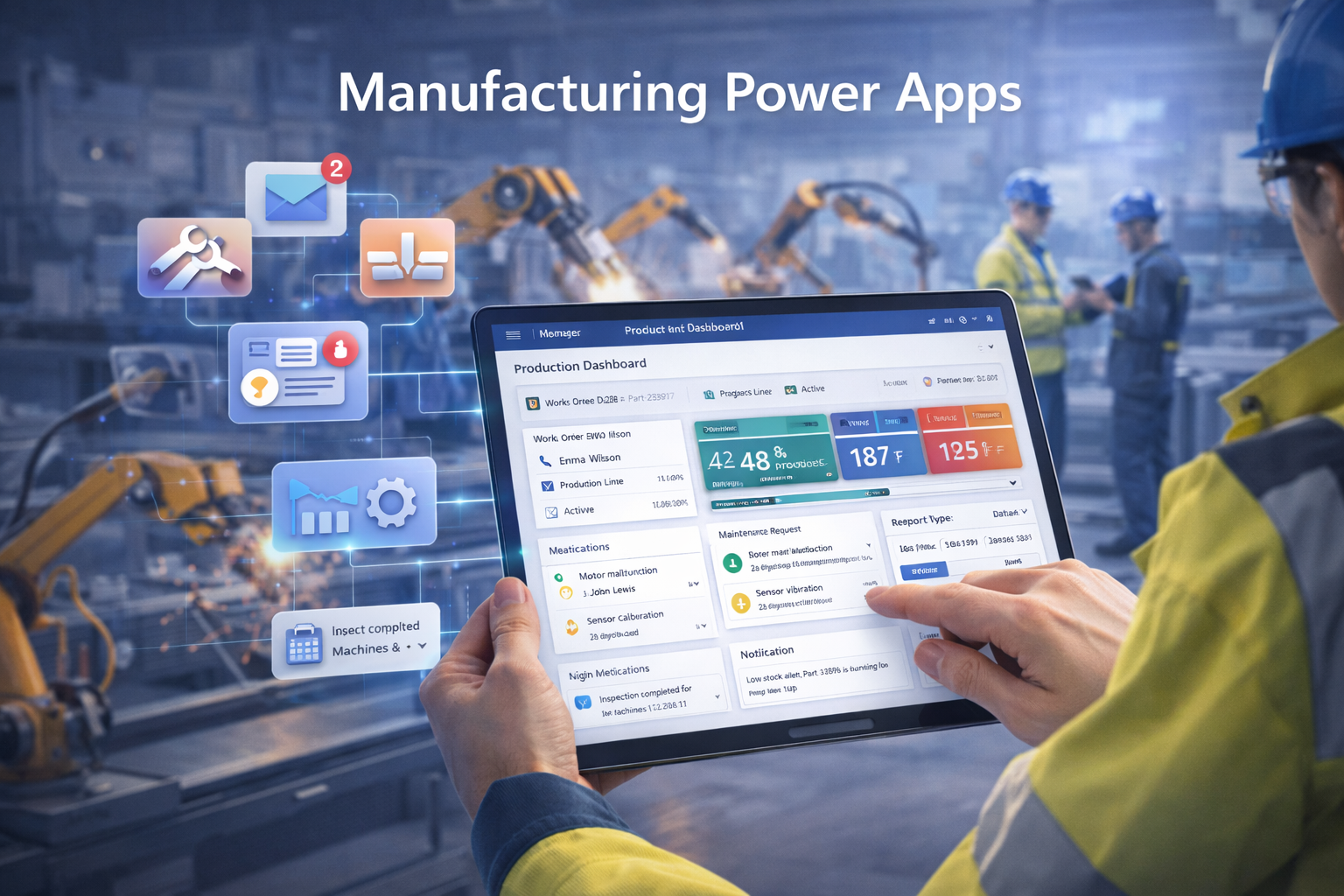
Quality Inspection Forms: Real-time defect tracking with photo capture
Production Planning: Work order management and scheduling
Equipment Maintenance: Preventive maintenance and downtime tracking
Inventory Management: Cycle counting and stock transfers
Safety Incident Reporting: OSHA-compliant incident documentation
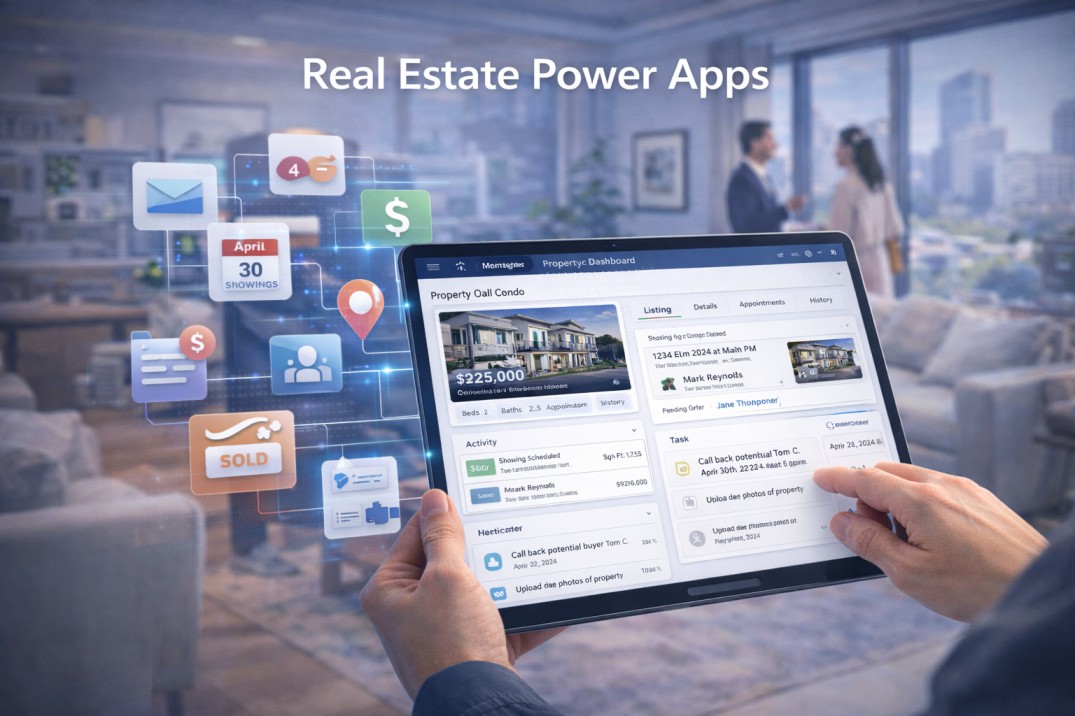
Property Management: Lease tracking, maintenance requests, tenant communication
Showing Scheduler: Agent appointment coordination
Commission Calculator: Automated sales commission processing
Inspection Reports: Property condition documentation with photos
Lead Management: Prospect tracking and follow-up automation
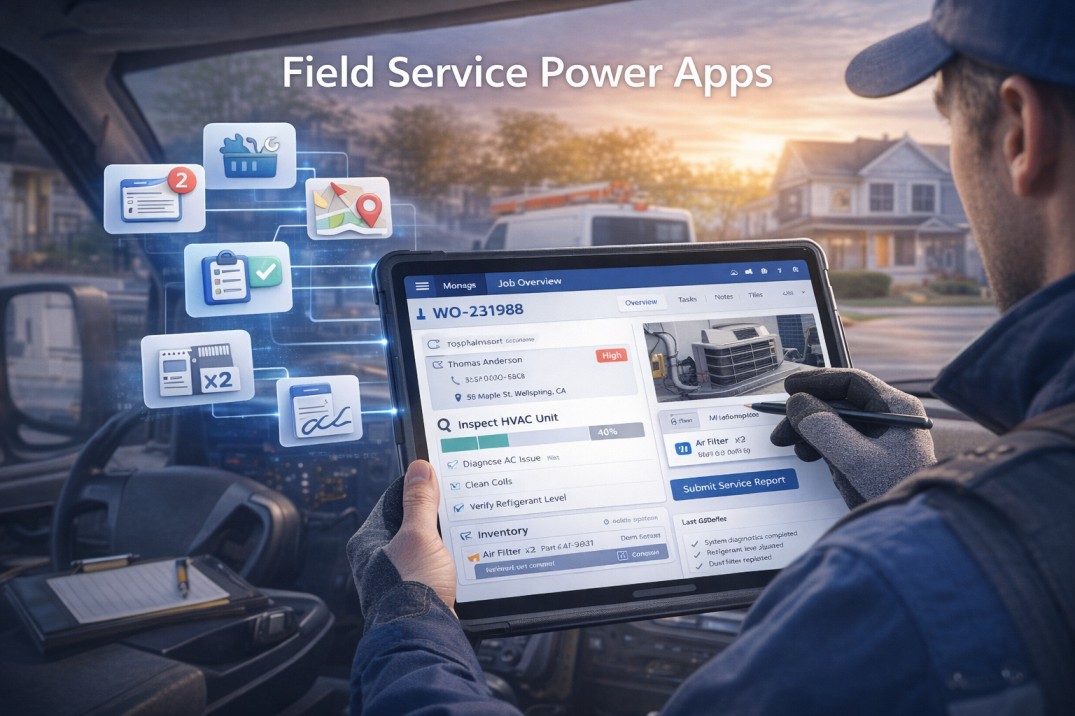
Work Order Management: Job assignment, routing, and completion tracking
Time & Expense Tracking: Billable hours and receipt capture
Parts Inventory: Van stock management and replenishment
Service Contract Management: Renewal tracking and SLA monitoring
Customer Signature Capture: Digital proof of service completion
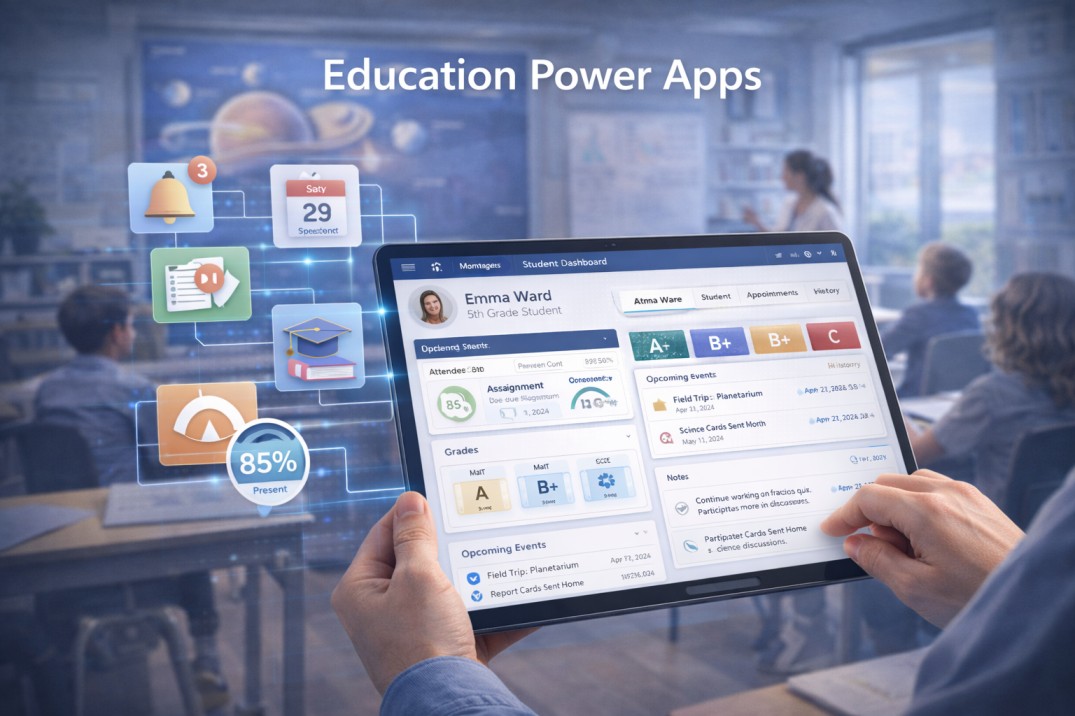
Student Information Systems: Enrollment, grades, attendance tracking
Campus Safety Reporting: Incident documentation and emergency alerts
Facility Maintenance: Work order requests and asset management
Event Registration: Conference and workshop management
Grant Administration: Proposal tracking and fund management
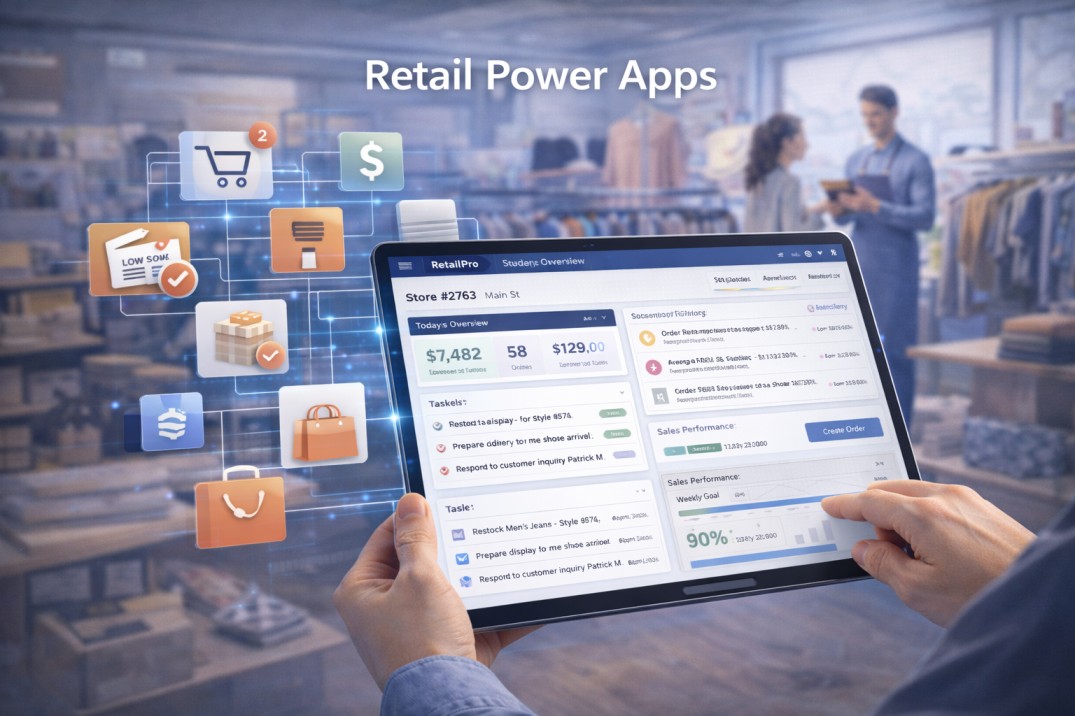
Store Audit & Compliance: Planogram verification and merchandising standards
Inventory Counting: Cycle count and stock reconciliation
Employee Scheduling: Shift management and time-off requests
Promotion Management: Campaign execution tracking
Customer Feedback: In-store survey collection and sentiment analysis
Get a free consultation and discover how custom Power Apps can transform your operations.
Book a Free ConsultationOur development methodology incorporates industry-leading practices to ensure quality, performance, and maintainability:
Performance is improved by using delegable formulas for large datasets, managing collections efficiently, and applying lazy loading to reduce startup time. Image optimization, minimized API calls, and caching frequently used data further enhance app speed and responsiveness.
User experience focuses on responsive layouts, consistent branding, and intuitive navigation. Accessibility standards (WCAG 2.1 AA), clear loading indicators, offline planning, and user-friendly error handling ensure a smooth and inclusive experience.
Security is maintained through least-privilege access, input validation, and encryption of sensitive data. Audit trails, session timeouts, and secure API key management help protect applications and integrations.
Maintainability is achieved with clear naming conventions, inline comments, reusable components, and documented business logic. Version control and regular testing ensure long-term stability and easier updates.
Scalability is supported by growth-ready architecture, optimized Dataverse usage, database indexing, and controlled integration limits. User license optimization helps scale efficiently as adoption increases.
Factor | Traditional Development | Power Apps Development |
|---|---|---|
Development Time | 6-12 months | 4-12 weeks |
Development Cost | $100,000 - $500,000+ | $10,000 - $150,000 |
Maintenance Cost (Annual) | 20-30% of development cost | 10-15% of development cost |
Time to Market | 9-18 months | 2-4 months |
Required Skill Level | Senior developers, specialized expertise | Business analysts, citizen developers with training |
Infrastructure Costs | Server hosting, security, backups | Included in Microsoft licensing |
Mobile Development | Separate iOS/Android builds required | Single app works across all platforms |
Update Deployment | Complex release cycles | Instant updates to all users |
Integration Complexity | Custom API development required | 1,000+ pre-built connectors |
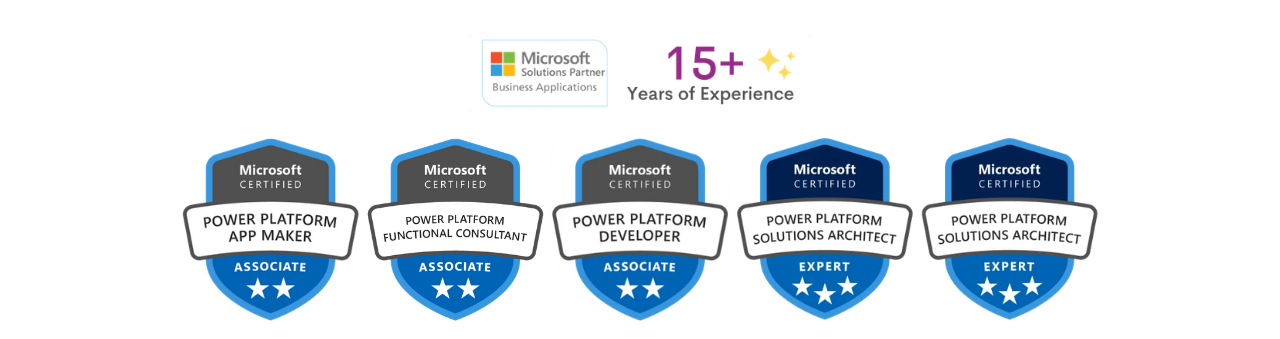
Our development team holds the industry's most respected certifications:
Microsoft Power Platform App Maker Associate
Microsoft Power Platform Developer Associate
Microsoft Power Platform Functional Consultant Associate
Microsoft Power Platform Solution Architect Expert
We maintain these credentials through continuous learning, staying current with monthly platform updates and new feature releases.
150+ Power Apps successfully deployed across industries
95% client satisfaction rating based on post-project surveys
Average 6-month ROI for our Power Apps implementations
Zero data breaches across all deployed applications
98% on-time delivery rate for fixed-scope projects
Our developers bring vertical expertise across:
Healthcare (HIPAA compliance, patient data management)
Manufacturing (production tracking, quality control)
Financial Services (regulatory compliance, audit trails)
Retail (inventory management, customer engagement)
Real Estate
Education (student information systems, campus operations)
Beyond Power Apps, we're proficient across the entire Microsoft ecosystem:
Power Automate (workflow automation)
Power BI (embedded analytics)
Dynamics 365 (seamless integration)
Azure (cloud infrastructure, Functions, Logic Apps)
SharePoint (document management, collaboration)
Microsoft 365 (Teams, Outlook integration)
This comprehensive knowledge ensures optimal architecture decisions and maximum value from your Microsoft investment.
We don't just write code—we solve business problems:
Weekly sprint demos for continuous feedback
Business stakeholder involvement throughout development
User-centric design thinking workshops
Change management and adoption planning
Measurable KPIs and success metrics
Post-launch optimization and continuous improvement
No surprises, no hidden costs:
Detailed project plans with clear milestones
Weekly status updates and progress reports
Real-time access to development environments
Comprehensive documentation deliverables
Fixed-price options with change order process
Dedicated project manager as single point of contact
We view every engagement as the beginning of a relationship:
Post-launch support and enhancement services
Priority access to our development team
Proactive platform update notifications
Ongoing optimization recommendations
User community and knowledge sharing
Strategic quarterly business reviews
We provide CRM, AI, and App Solutions that deliver growth from day one.
Book a Free ConsultationDiscuss your business challenges and objectives
Explore potential Power Apps use cases
Understand feasibility and approach
Get ballpark timeline and investment estimates
Comprehensive requirements documentation
Technical architecture and data flow diagrams
Detailed project timeline with milestones
Fixed-price or time-and-materials quote
Team composition and expertise overview
See Power Apps examples from your industry
Interactive prototype of your potential solution
Q&A with our technical architects
Review similar case studies and success stories
Onboarding and discovery workshops
Dedicated project team assignment
Regular sprint reviews and demos
Transparent communication throughout
A: Development timelines vary significantly based on complexity. Simple data collection apps take 1-3 weeks, departmental workflow applications require 4-8 weeks, and enterprise-wide solutions with complex integrations need 12-20 weeks. During our initial consultation, we provide a detailed timeline based on your specific requirements.
A: Canvas apps offer complete design flexibility—you control every pixel and interaction, ideal for mobile-first experiences and custom workflows. Model-driven apps are data-centric, automatically generating UI from your data model, better suited for complex business processes with sophisticated relationships like CRM systems. We help you choose the right approach based on your use case.
A: Yes, Canvas apps support offline mode, allowing users to collect data without internet connectivity. Changes sync automatically when connection is restored. This is critical for field service, inspections, and remote work scenarios. Model-driven apps have limited offline capabilities through Dynamics 365 mobile offline.
A: Costs depend on complexity, integration requirements, and customization level. Simple apps range from $10,000-$25,000, mid-complexity applications cost $25,000-$75,000, and enterprise solutions with extensive integration run $75,000-$200,000+. This includes requirements gathering, development, testing, deployment, and training. We provide fixed-price quotes after requirements analysis.
A: Power Apps offers 1,000+ pre-built connectors including SharePoint, SQL Server, Dynamics 365, Salesforce, SAP, Oracle, Excel, OneDrive, Teams, and virtually any database or REST API. For systems without standard connectors, we build custom connectors. This makes Power Apps exceptionally versatile for enterprise integration.
A: Absolutely. Power Apps leverages enterprise-grade Microsoft Azure security, including data encryption at rest and in transit, Azure Active Directory authentication, multi-factor authentication, role-based access control, and compliance with HIPAA, GDPR, SOC 2, and ISO 27001. We implement additional security layers like row-level security and field encryption for highly sensitive data.
A: Yes, Power Apps scales to support enterprise-wide deployments with thousands of concurrent users. Proper architecture is critical—we design data models, implement caching strategies, optimize formulas for delegation, and leverage Azure services to ensure performance at scale. Microsoft Power Apps supports organizations with 100,000+ users globally.
A: Power Apps' low-code nature makes it inherently agile. We use iterative development with regular review checkpoints, allowing for requirement adjustments. For fixed-price projects, we document a change request process. For time-and-materials engagements, we simply adjust the scope. Most clients appreciate seeing working prototypes early and providing feedback for refinement.
A: Not necessarily. Many organizations start with our development services, then we train internal citizen developers to handle simple modifications and new apps. We offer flexible engagement models: project-based for specific applications, retainer agreements for ongoing development needs, or staff augmentation to supplement your internal team during peak periods.
A: Microsoft offers per-user and per-app licensing. Per-user ($20/month) provides unlimited app access for individual users. Per-app ($5/month per app) is cost-effective when users only need 1-2 apps. Premium connectors (SQL Server, HTTP requests, custom connectors) require per-user licensing. We provide licensing optimization recommendations to minimize costs.
A: Yes, Access migration is one of our most common projects. We analyze your Access forms, queries, reports, and VBA code, then recreate functionality in Power Apps with enhanced capabilities. We migrate data to Dataverse or SharePoint, convert business logic to Power Fx formulas and Power Automate flows, and add mobile access and collaboration features Access never had. Typical migration takes 4-10 weeks.
A: Power Apps extensibility options include: custom connectors for third-party systems, Power Apps Component Framework (PCF) for advanced UI controls, Azure Functions for complex server-side logic, custom plugins for Dataverse, and Power Automate for workflow automation. In rare cases where requirements exceed platform capabilities, we discuss hybrid approaches or alternative solutions.
We are more than just developers and consultants—we are your partners in navigating the digital landscape. Let us be the engine behind your next big success while you focus on your core vision.
Explore Opportunities!.webp)